
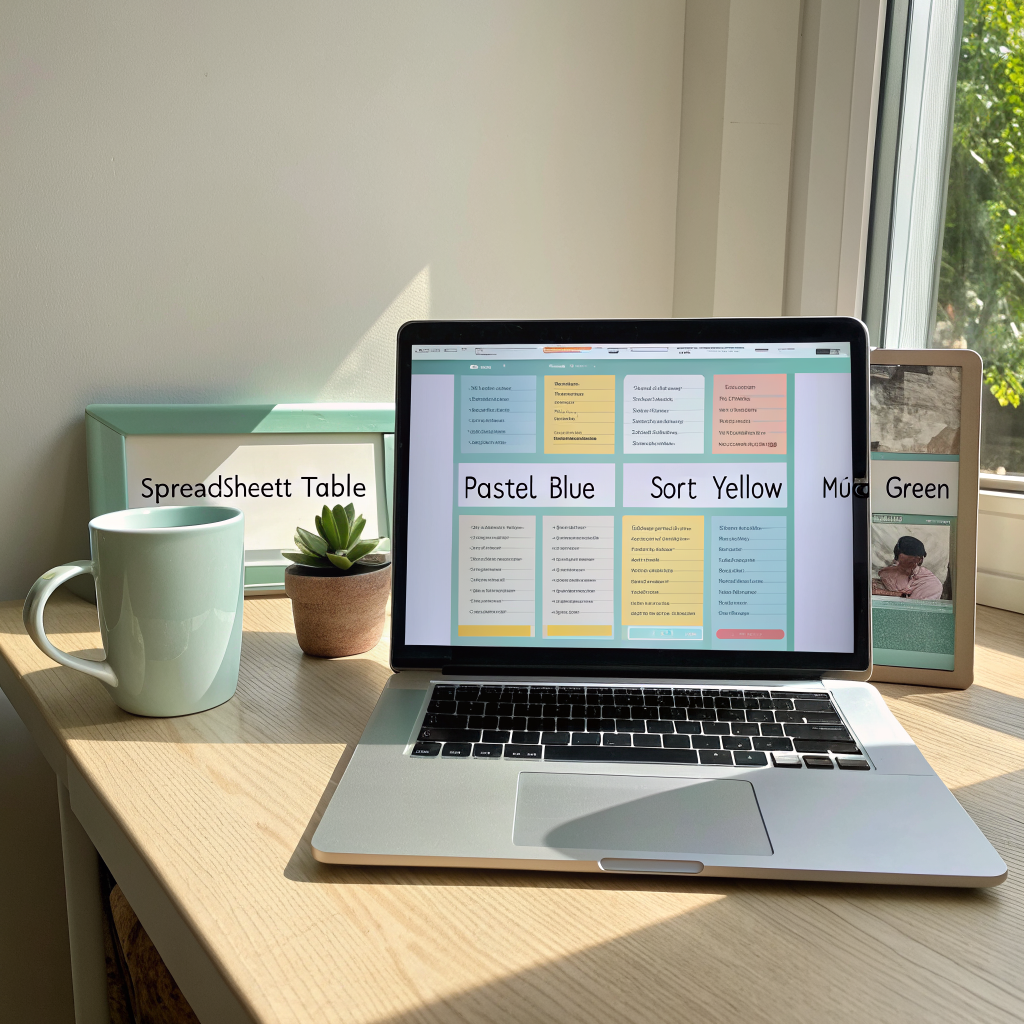
Notion has become the Swiss‑army knife for self‑directed learners. Its databases, linked pages, and visual customization let you create a hub that mirrors every facet of your language journey. This guide walks you through building a personalized dashboard using the template offered in our Shop.
Why Use Notion for Language Learning?
- All‑in‑One Workspace: Store vocab, grammar notes, flashcards, and progress graphs in a single place.
- Flexibility: Drag‑and‑drop blocks, embed audio, and toggle views (list, board, calendar).
- Collaboration: Share with a study partner or tutor for feedback.
Getting Started: Download the Template
Visit the Shop and download the “Language Learner Dashboard” template. Click “Duplicate” to add it to your Notion workspace.
Core Components of the Dashboard
- Vocabulary Database – Columns for word, definition, example sentence, tags (noun, verb, etc.), and a checkbox for mastery.
- Resource Library – Embed links to podcasts, YouTube channels, and articles. Use the “type” tag to filter by media.
- Daily Log – A linked page mirroring the printable Daily Log, with a date property for calendar view.
- Progress Tracker – A rollup that calculates total mastered words, weekly study hours, and streak length.
- Goal Planner – Set short‑term (weekly) and long‑term (6‑month) goals, and connect them to the tracker for automatic updates.
Customizing the Dashboard for Your Needs
Use the following tips to tailor the template:
- Color Coding: Assign a unique color to each language you’re studying.
- Templates: Create a “New Word” template with pre‑filled example fields.
- Automation: Add a reminder block that pings you at your preferred study time.
Integrating the Polyglot Planner
Link the Daily Log database to the Planner’s Reflection & Adjustment page. Whenever you tick a day as completed in Notion, you can automatically mark the corresponding box in the PDF using a simple print‑out workflow.
Maintaining the Dashboard
Consistency is key. Set a 5‑minute habit at the end of each study session to log new vocab and update your progress. Over time the dashboard becomes a living map of your language growth.
Success Story
Lucas, a Spanish learner, reported a 30% increase in weekly vocabulary acquisition after visualizing his progress in Notion. The instant feedback from the progress tracker kept him accountable and motivated.
Ready to Build?
Download the template, follow the steps above, and start customizing today. For any questions, visit our About page or join the community forum.
Bottom line: A well‑designed Notion dashboard centralizes your study materials, tracks your achievements, and fuels sustained motivation.